Home / Travel
Trail 3 · Travel
Watching IPTV while travelling: abroad, in hotels and on the move
The trickiest trail. Channel rights, roaming and hotel Wi-Fi all change the route.
◆ Advanced
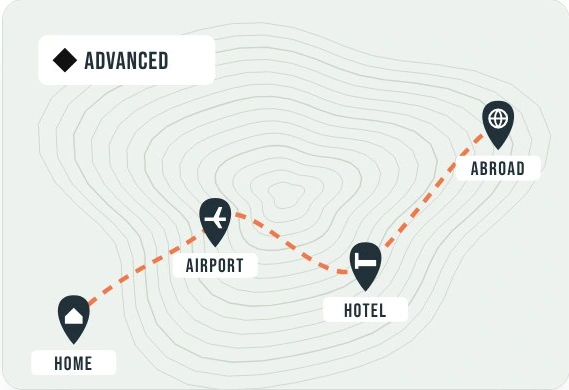
Trail summary
Check channel availability in your destination, save permitted downloads and confirm your roaming allowance before departure.
Waypoints for a trip
Plan the route
Check coverage, channel rights and your data allowance.
Public Wi-Fi
Use the venue’s official network and complete its sign-in screen.
Hotel Wi-Fi
Try playback on your own device before casting.
New rules abroad
Check regional availability and roaming costs with the provider.
Home vs abroad
| Check | At home | Abroad |
|---|---|---|
| Channel availability | Your local catalogue | Rights can differ by territory |
| Mobile data | Domestic plan | Roaming terms apply |
| Programme times | Local time | Check device time zone |
| Downloads | Check expiry | Test offline before leaving |
Ranger questions
Can I check my real data use?
Yes. Note the app’s data use before and after a short stream in your device’s settings.
Can I keep watching offline?
Only if your service offers downloads for that programme. A live channel needs a connection.