Home / Phones
Trail 1 · Phones
Watching IPTV on your phone: data, battery and signal
A small screen doesn’t need a big stream. Set it up once and watch all day.
● Easy
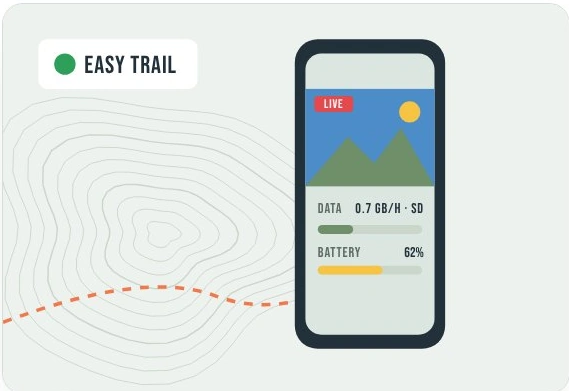
Trail summary
On a phone, start at 720p and check the usage meter after a short session. Keep a charger handy and use Wi-Fi for downloads.
What you need
Your phone
Charge it before setting off.
A power bank
Useful for longer matches.
Headphones
Check Bluetooth pairing at home.
Trusted Wi-Fi
Save downloads before you travel.
Settings that save data and battery
| Setting | Where | Try |
|---|---|---|
| Quality on mobile data | Player settings | 480p to 720p |
| Data saver | Phone settings | On |
| Autoplay next | App settings | Off on mobile data |
| Brightness | Display | As low as is comfortable |
| Offline downloads | App settings | Wi-Fi only |
Ranger questions
Can I check my real data use?
Yes. Note the app’s data use before and after a short stream in your device’s settings.
Can I keep watching offline?
Only if your service offers downloads for that programme. A live channel needs a connection.